




The tablet case in this link is only compatible with models:
Samsung Galaxy Tab S10 Lite 10.9 lnch (Model:SM-X400/X406B)
How to verify tablet model
1. Go to the back and find your specific model.
2. Find "Settings" – Click "About" – Find "Model"
3. Please purchase the correct compatible model case according to the tablet after viewing.
Please note
The digital tablet and stylus are not included in the package. The detailed description is for reference only. Please refer to the actual product for the color of the product.
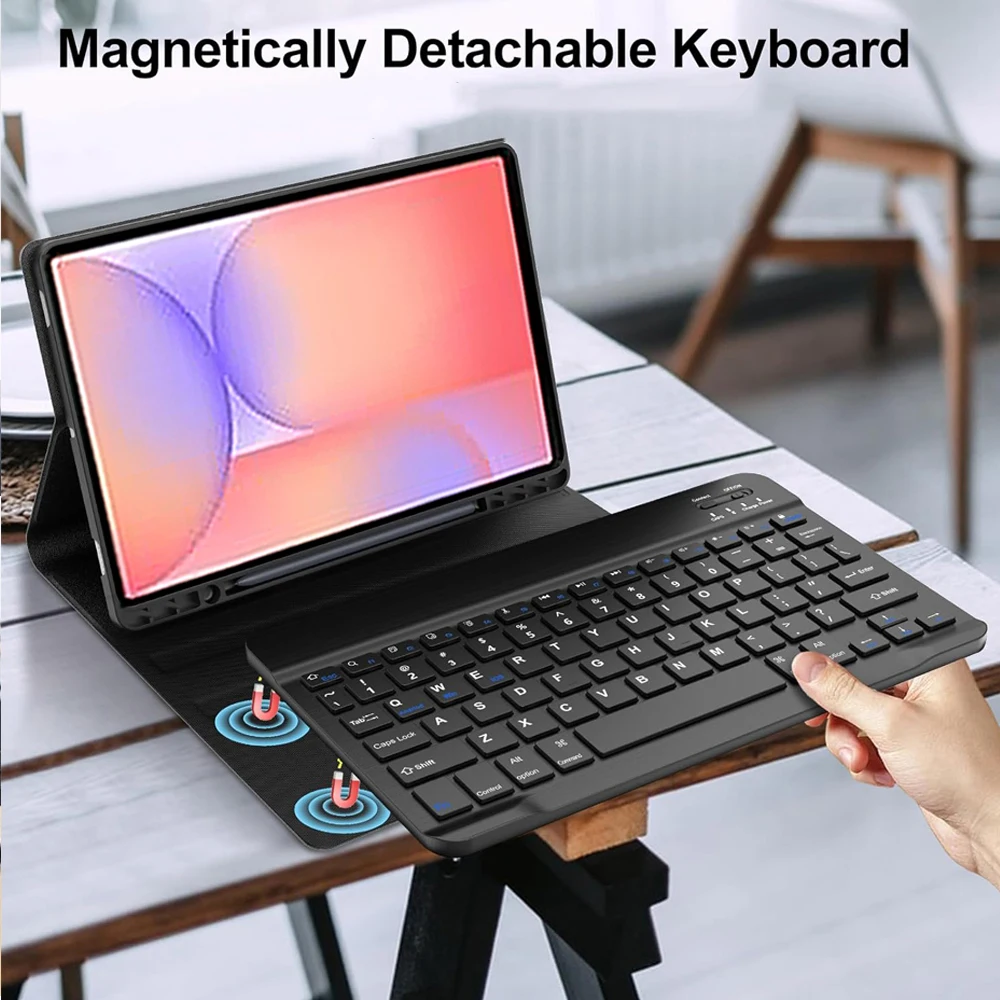
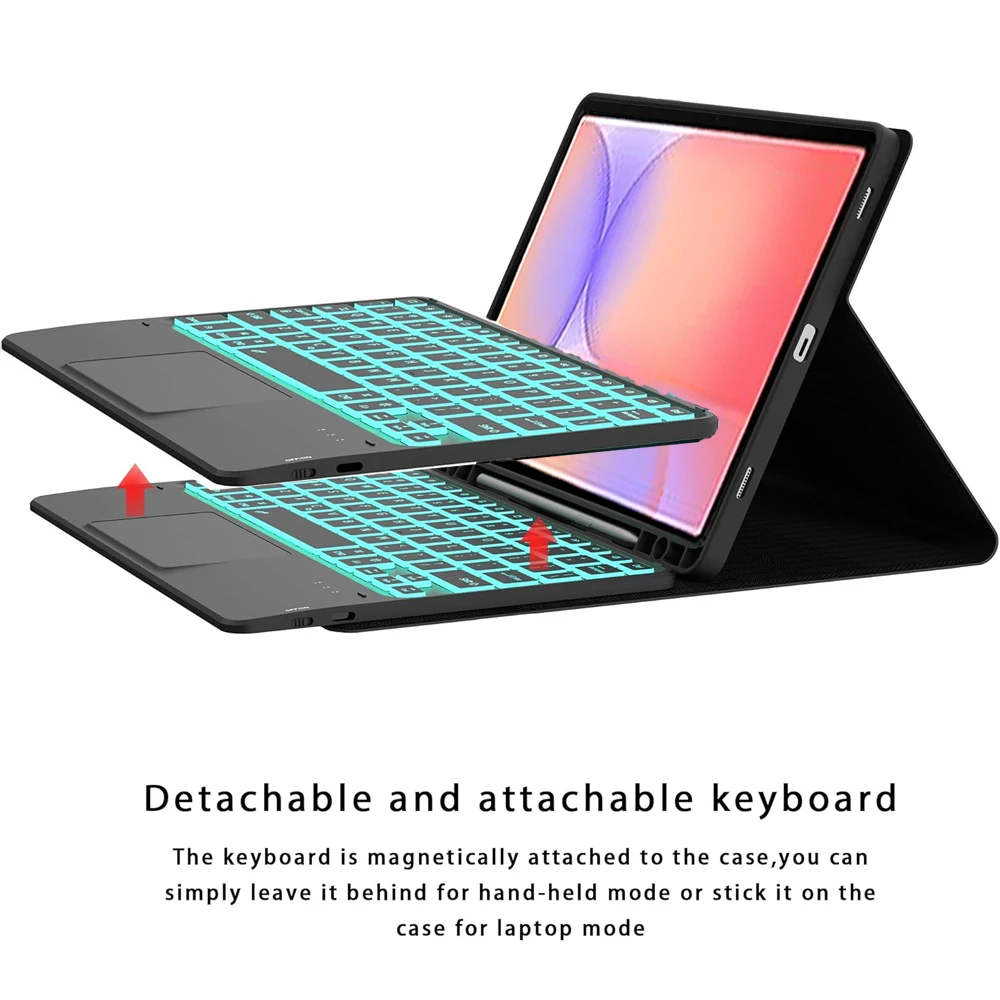
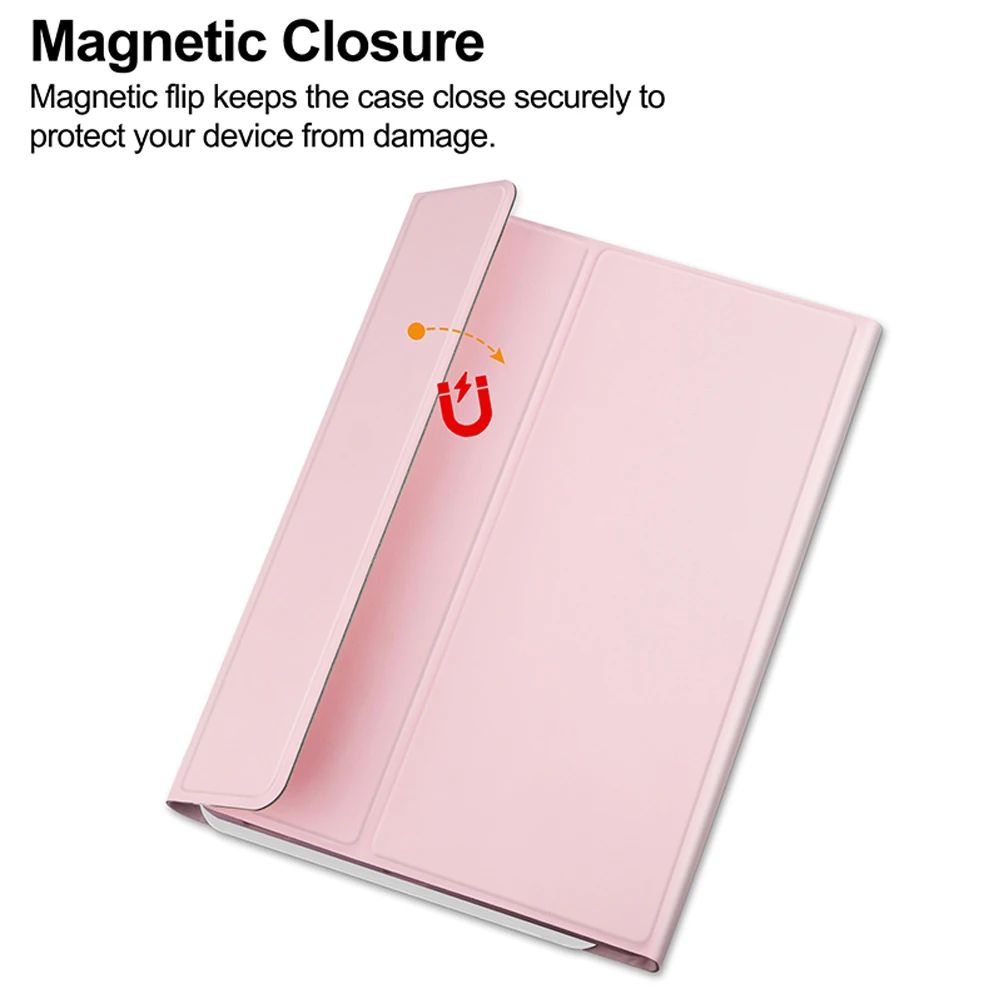

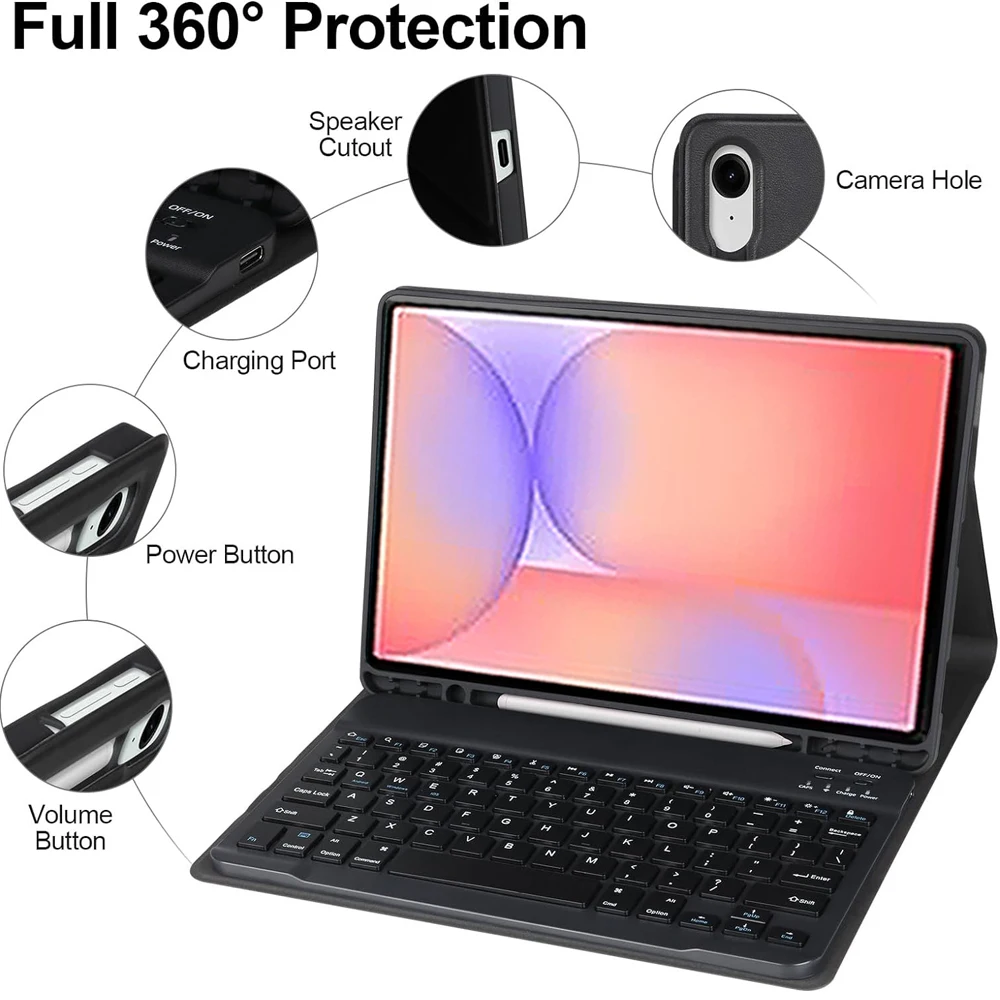




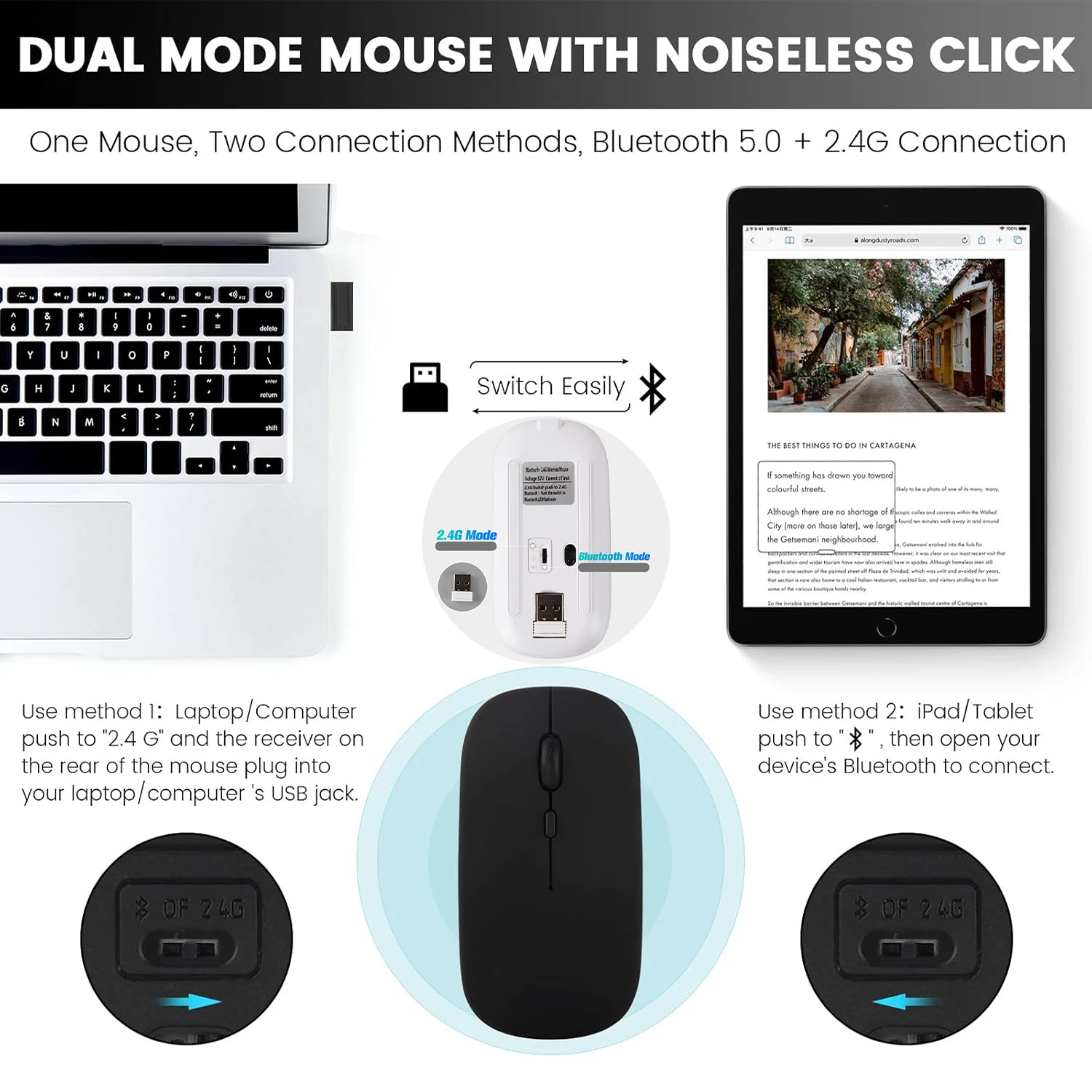
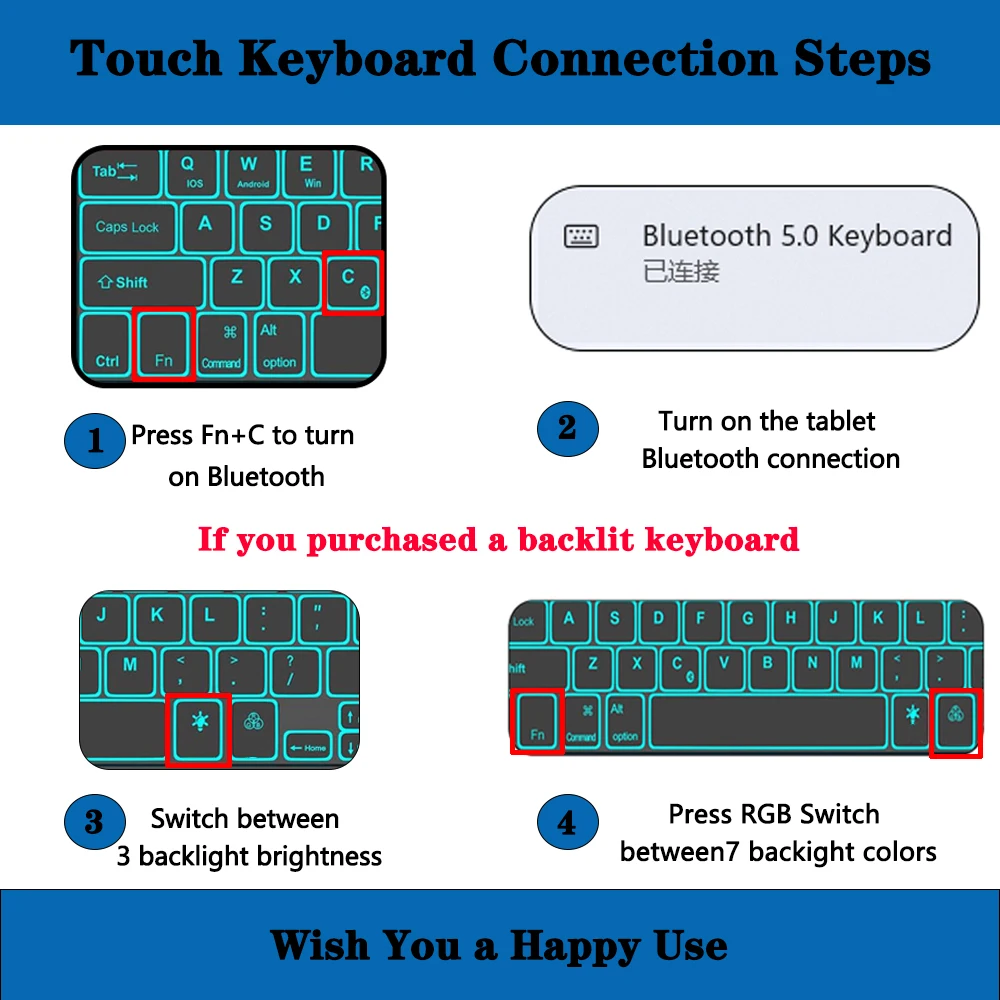
 How to connect keyboard and mouse?
1. Connect the mouse first, then the keyboard.
2. Mouse: Push the switch to the "Bluetooth" icon and find the Bluetooth connection with the "mouse" in the device Bluetooth list.
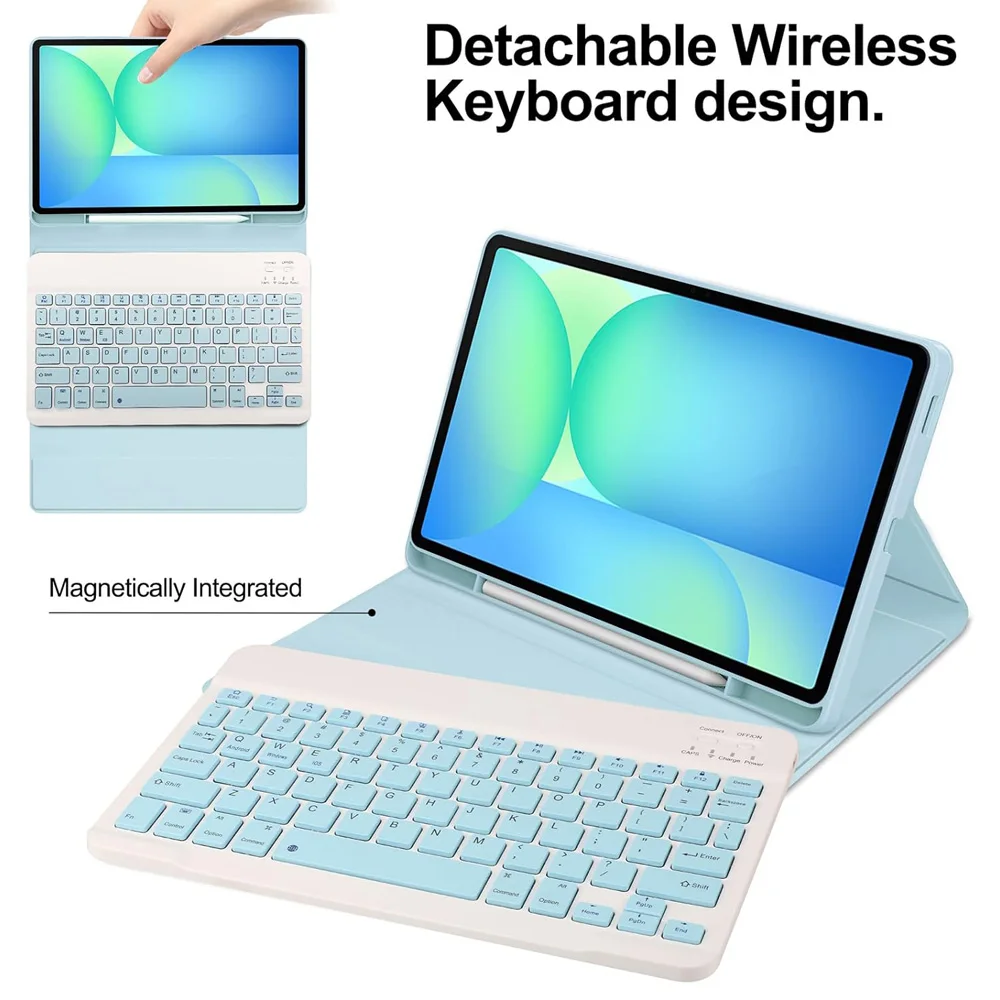
3. Keyboard: Push the switch in the upper right corner to "ON", press "Connect", and find the Bluetooth connection with "Keyboard" in the device Bluetooth list.
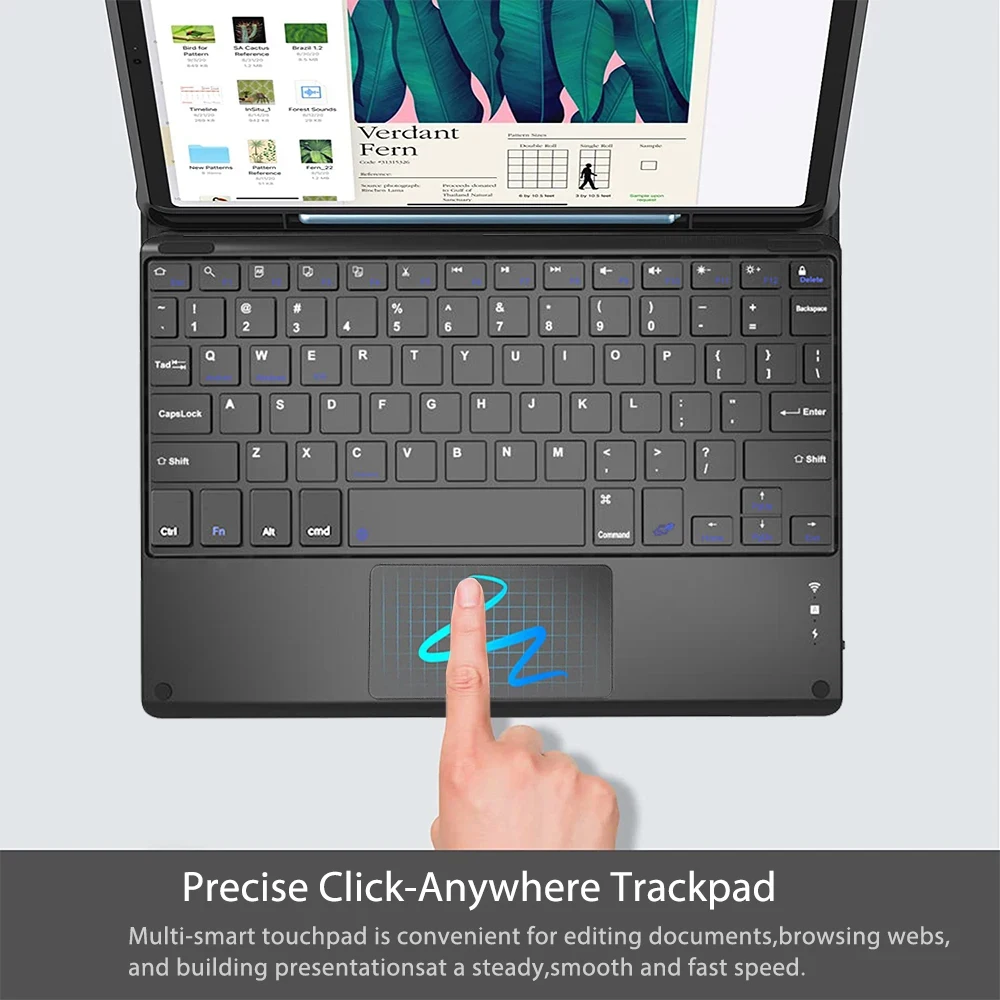
4. Touchpad keyboard: Open the keyboard, press Fn+C, and then find the Bluetooth connection with "Keyboard" in the device Bluetooth list.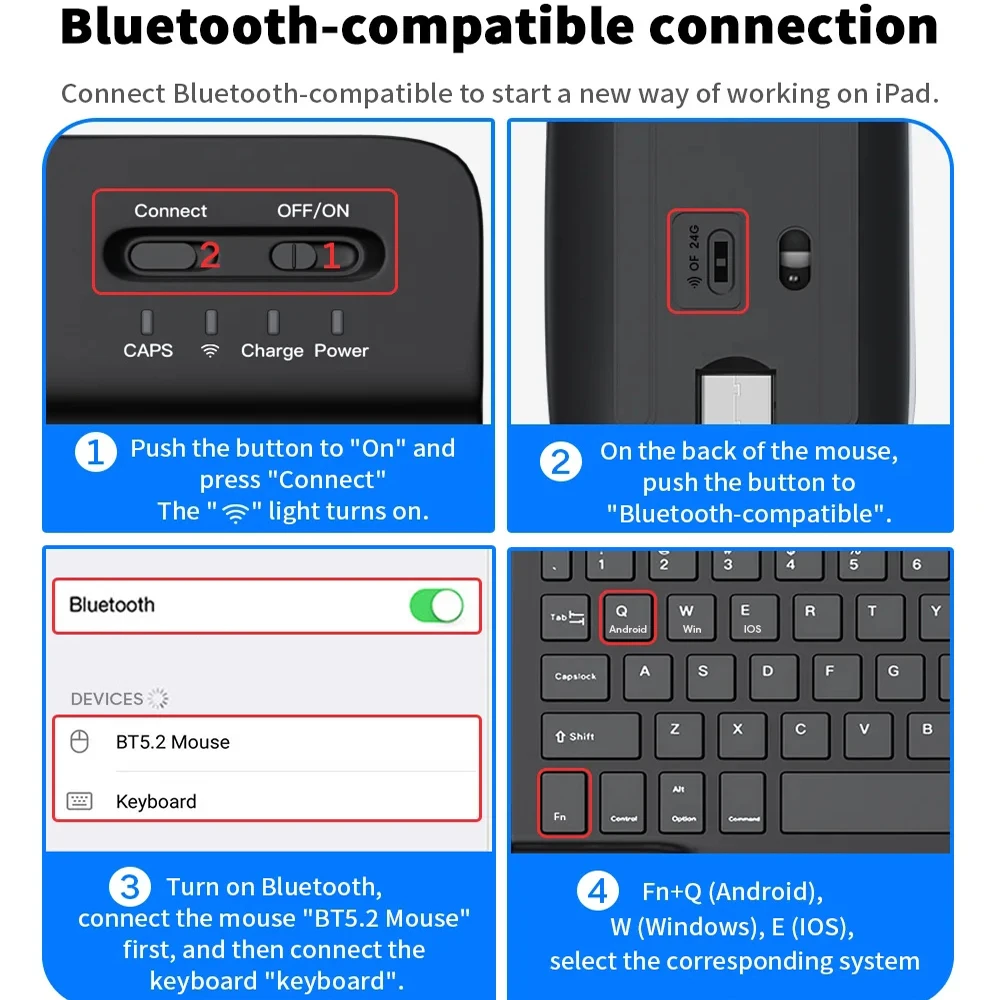




Reviews
There are no reviews yet.